Jack and Sally Stained Glass Craft for Halloween
This Jack and Sally stained glass craft brings a little Halloween romance to your decorating with orange, white, and black acrylic layers. Made with an xTool laser machine and adhesive sheets, it has the look of stained glass without working with actual glass. The orange background, stitched smiles, and delicate black details make it a lovely piece for anyone who loves The Nightmare Before Christmas.
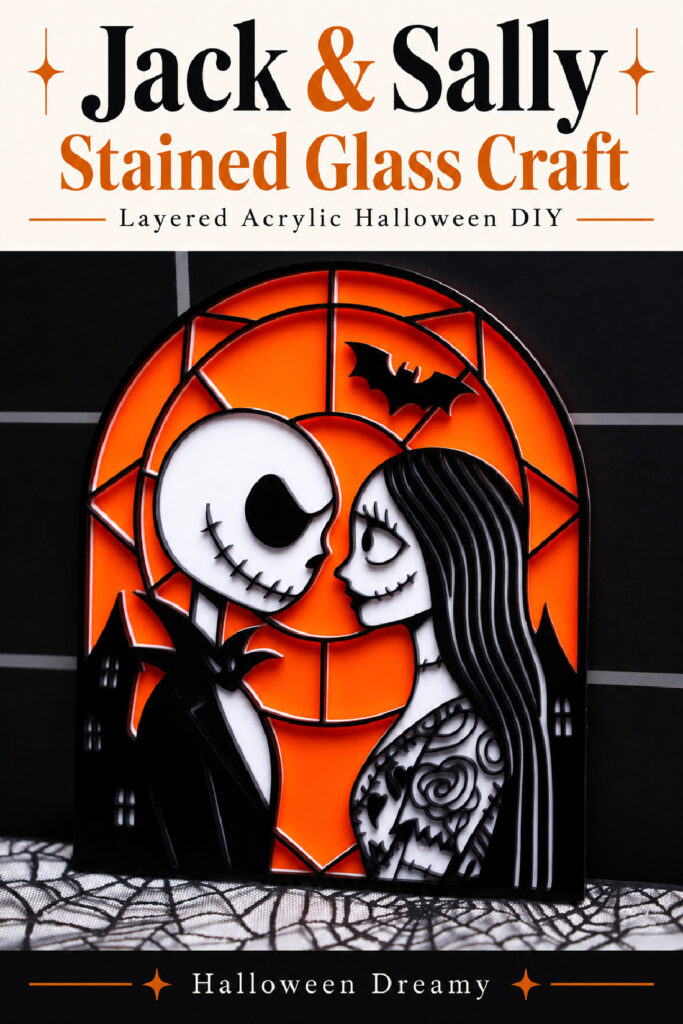
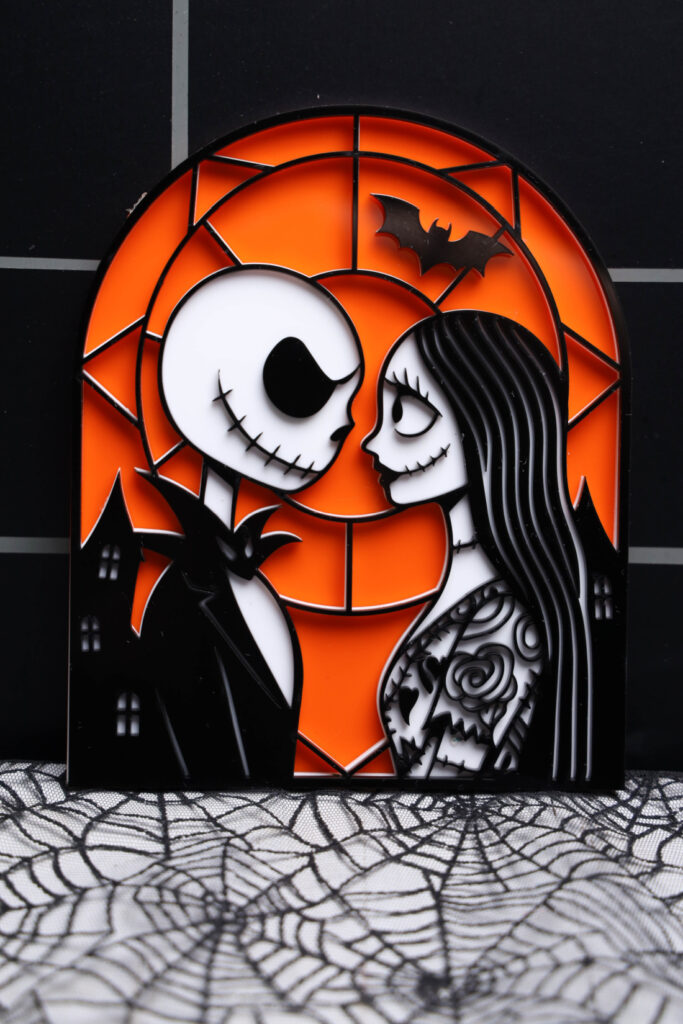
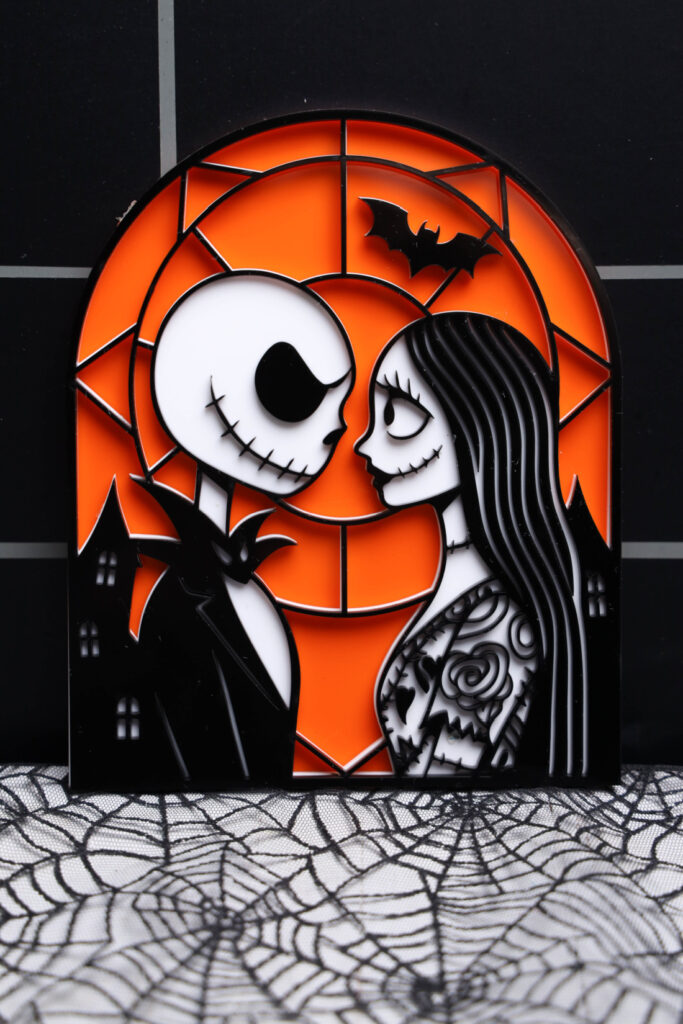
I love a Halloween decoration that’s a little spooky and a little sweet. Jack and Sally looking at each other checks both boxes for me. Then you notice Jack’s bat bow tie, the details on Sally’s dress, and that little bat overhead. There’s so much personality tucked into this one piece, and that orange gives it such a pretty pop of Halloween color.
About This Jack and Sally Stained Glass Craft
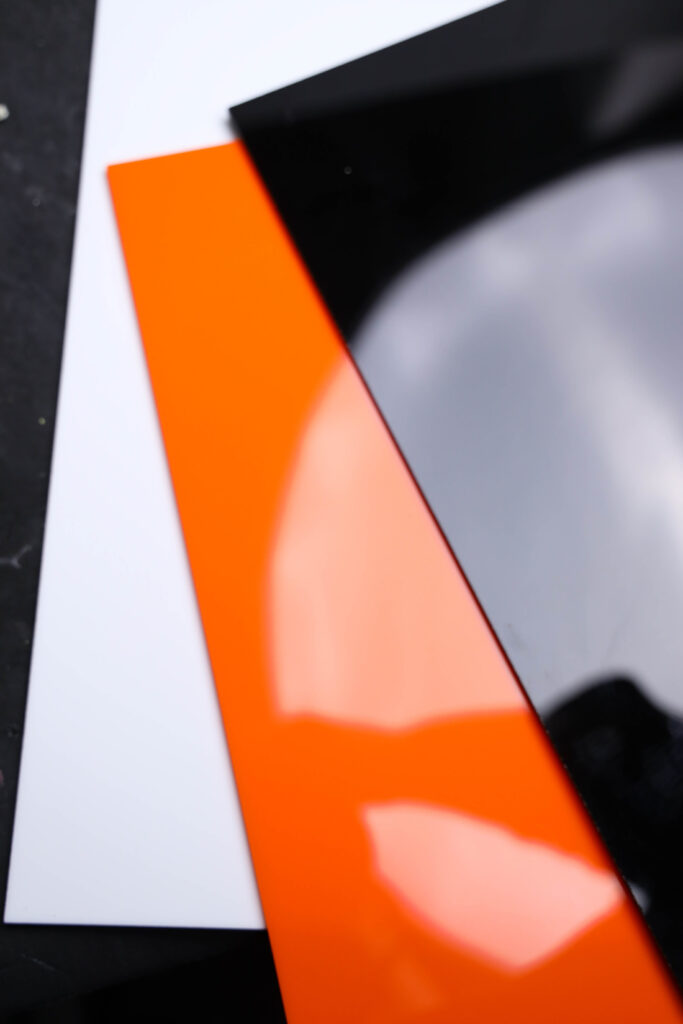
This project gets its stained glass appearance from three layers of cast acrylic. Orange forms the background, white creates the lighter sections, and black adds the outlines and decorative details.
The laser cuts the design from SVG files. After cutting, you’ll stack and attach the layers with adhesive.
I used the xTool P2S for this version. You’ll need a laser machine suitable for the materials, along with the SVG files for this particular design. The detailed cutting comes from the files, while the assembly takes a little patience and careful placement.
Materials for Jack and Sally Stained Glass
Gather your supplies before opening the design:
- 1/8 inch white cast acrylic sheet
- 1/8 inch black cast acrylic sheet
- 1/8 inch orange cast acrylic sheet
- Three sheets of 3M adhesive
- xTool laser machine, I used the P2S
- Jack and Sally stained glass SVG files
- xTool Studio
You’ll also want a clean, flat work surface for putting everything together. Give yourself enough room to lay the layers beside each other, especially the detailed black piece.
The amount of acrylic needed depends on the dimensions of your SVG design. Check the file size against your sheets before preparing them.
How to Make Jack and Sally Stained Glass
1. Open the SVG Files
Open xTool Studio and load the SVG files. Open each layer into a project, keeping the orange, white, and black layers organized.
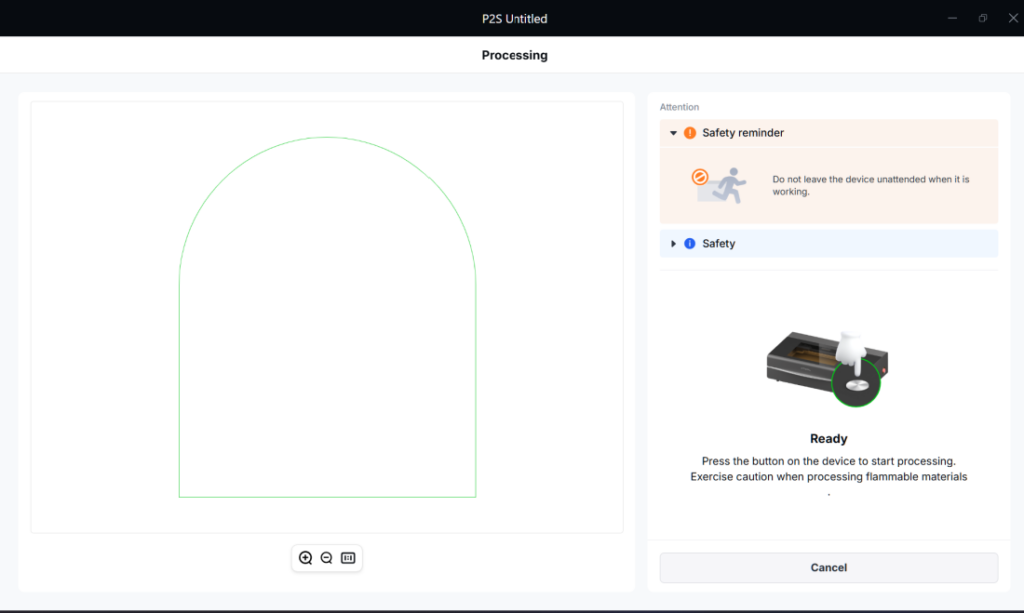
Each layer will have its own color setting. Confirm that all the layers have matching dimensions so they’ll fit together after cutting.
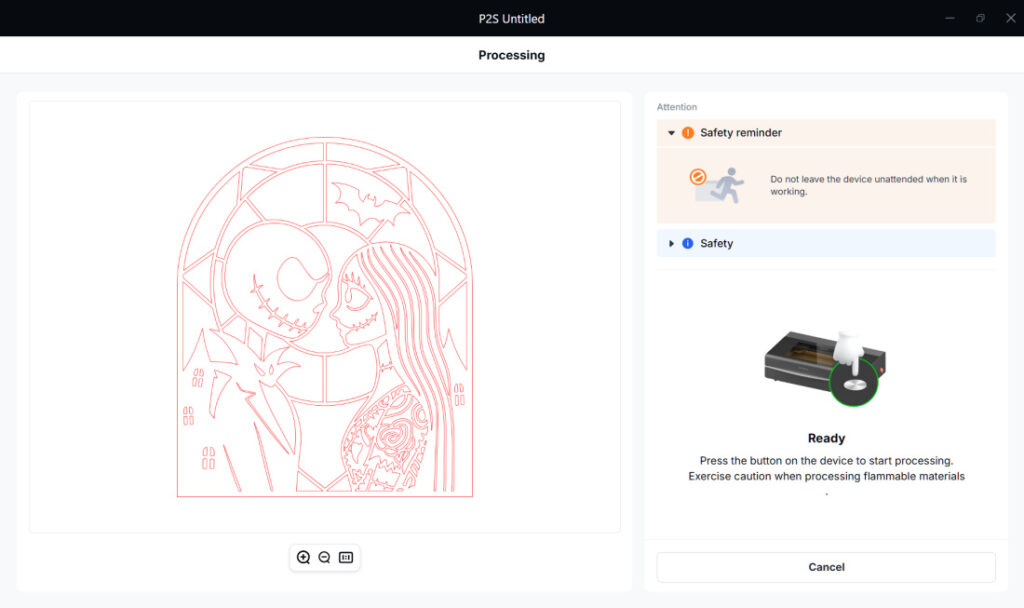
If you resize the project, resize all the layers together.
2. Apply the Adhesive
Before cutting, place the 3M adhesive on the back of the black and white acrylic sheets.
Leave the adhesive release liners in place. You’ll peel those away during assembly when you’re ready to attach the layers.
Check that the adhesive is on the back of each sheet before moving to the cutting step.
3. Cut the Acrylic Layers
Cut each layer using your laser machine.
The settings recorded for this project on the xTool P2S were 40/10/1. Settings may vary on different machines, so confirm the appropriate settings for your equipment and materials. Follow your machine’s operating instructions and use adhesive suitable for laser processing.
Carefully remove the cut pieces, supporting the delicate sections as you handle them.
4. Lay Out the Design
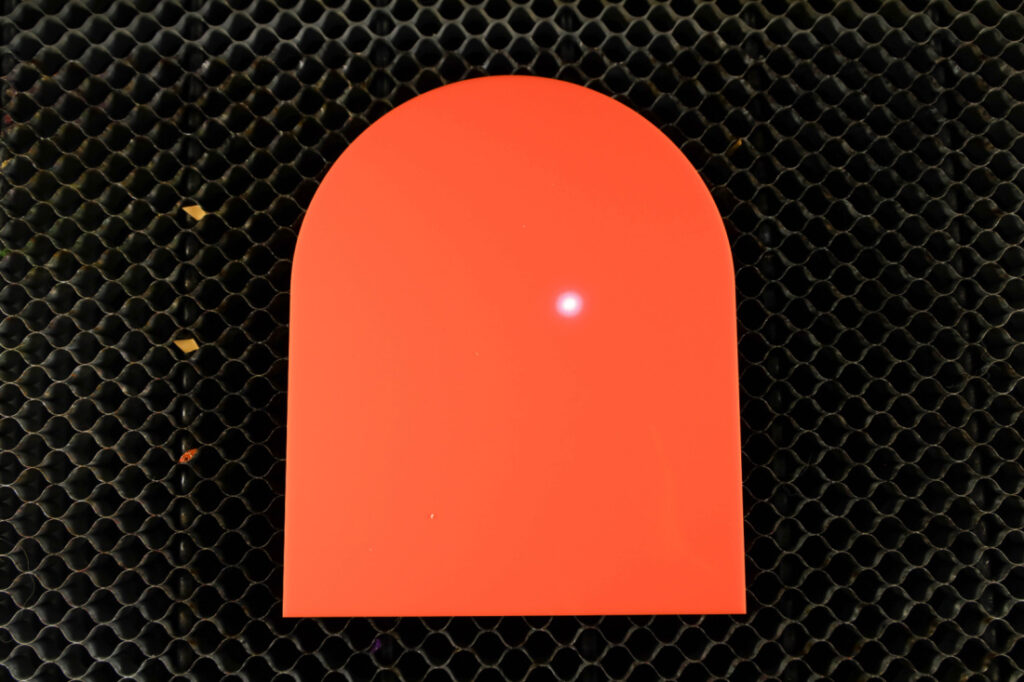
Place the orange acrylic on a flat surface.
With the adhesive liners still attached, position the white layer over the orange, then place the black layer on top. This gives you a chance to check the fit and see exactly where everything belongs.
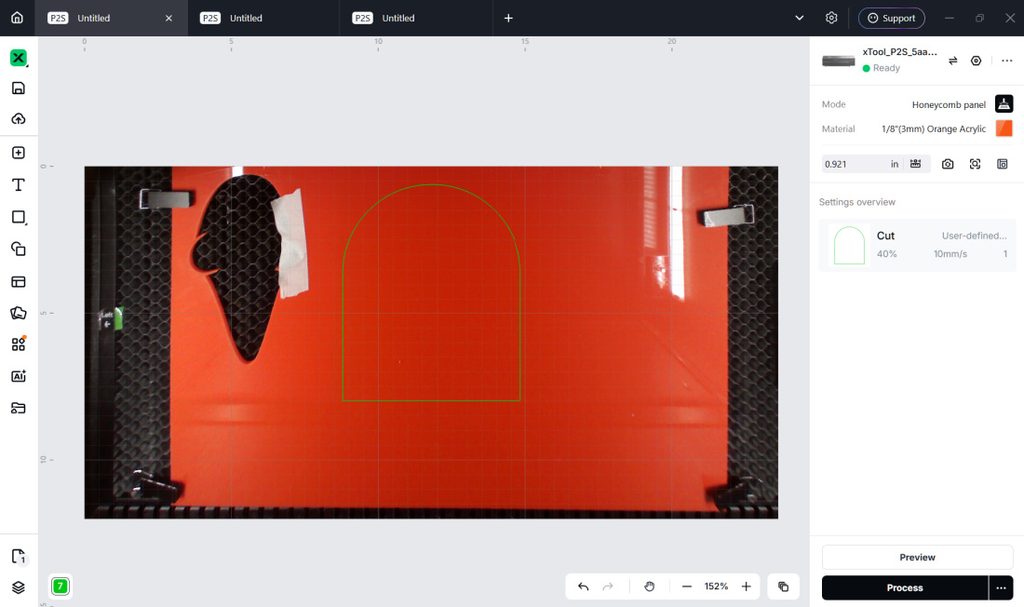
Remove the black and white layers once you’ve checked their placement.
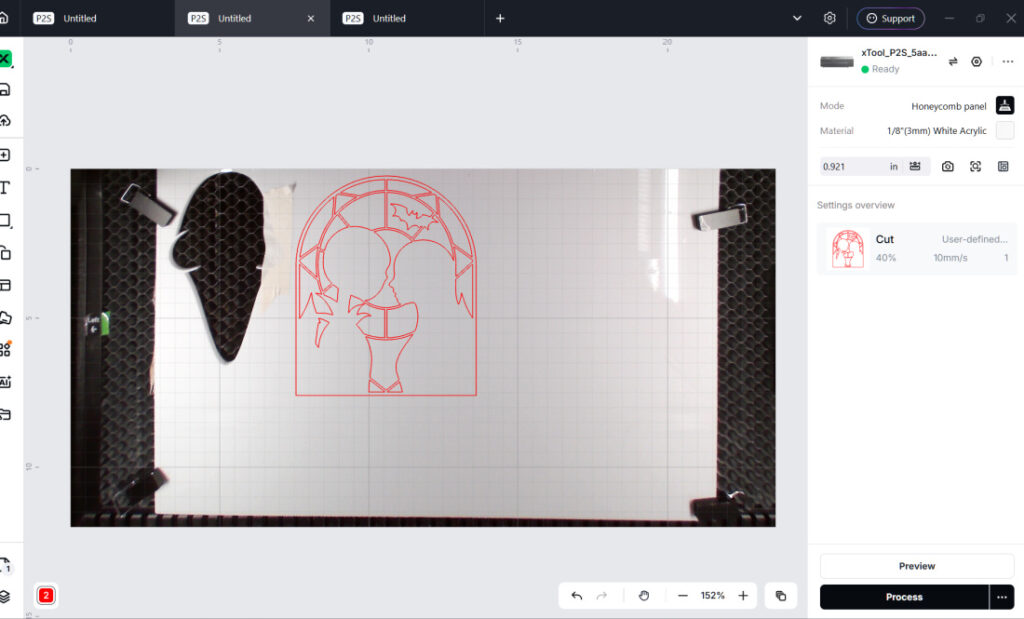
5. Attach the White Layer
Peel the release liner from the back of the white acrylic.
Carefully place the white layer onto the orange background. Line up the edges and design before pressing it down to secure it.
This middle layer creates the contrast behind Jack and Sally’s faces and the other lighter details.
6. Attach the Black Layer
Remove the release liner from the back of the black acrylic.
Position it over the white layer, checking the alignment before pressing it into place.
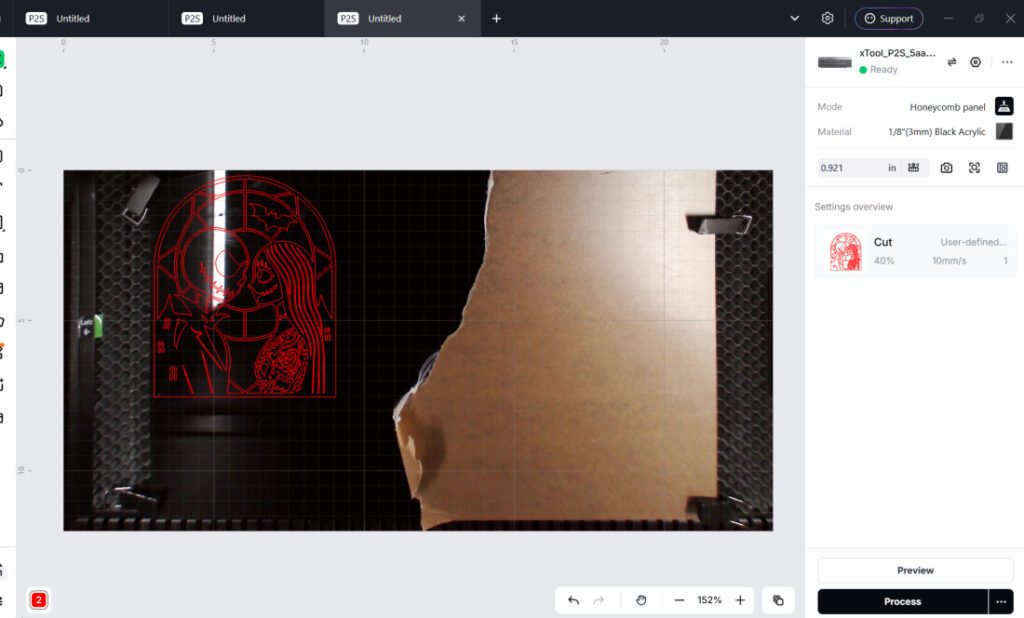
This is the part I love about the design. The black outlines bring their expressions together, and all those tiny details finally have their background.
Tips for Putting the Layers Together
- Keep the surface clean. Small scraps underneath the project can make assembly awkward.
- Check before peeling. Leave the adhesive liners on until you’re ready to attach each layer.
- Handle thin sections gently. Sally’s hair and the narrow outlines need extra care.
- Avoid rushing the placement. Adhesive can make repositioning difficult once the layers touch.
- Support the base when moving it. Lift the finished decoration from underneath instead of holding a delicate detail.
For more handmade Halloween decorating, see my Vintage Halloween Decor Ideas and Halloween Mantel Decor Ideas. For craft-material safety and age-appropriate project guidance, U.S. Consumer Product Safety Commission safety education is a useful reference.
Jack and Sally Stained Glass FAQs
Is this made with real glass?
No. This project uses layered cast acrylic to create a stained glass look.
What order do the layers go in?
Orange goes on the bottom, white goes in the middle, and black goes on top.
Do I need glue?
This tutorial uses 3M adhesive sheets to hold the layers together.
When is the adhesive applied?
Apply it to the black and white acrylic before cutting.
Jack and Sally deserve a spot where you can enjoy all those details. I’d display them with suitable support on a shelf or mantel, with spiderweb fabric underneath and a few little pumpkins nearby. That’s plenty to make a sweet Halloween display, and I wouldn’t blame you one bit for leaving them out past October.
Jack and Sally Stained Glass Craft
Jack and Sally Stained Glass Craft
Equipment
- 1/8″ White Cast Acrylic Sheet
- 1/8″ Black Cast Acrylic Sheet
- 1/8″ Orange Cast Acrylic Sheet
- 3 sheets 3M Adhesive
- XTool Laser Machine ( I used P2S)
- SVG files
Instructions
- Open XTool Studio. Open SVG and open each layer into a project. Each layer will have it’s own color setting. Cut each on 40/10/1 on the XTool P2s (settings may vary on different laser machines).
- Before cutting place 3M adhesive on the back side of black and white acrylics. Cut out acrylic.
- Place the orange on a flat surface. Peel the 3M carrier sheet off. Place the white onto the orange. Peel the carrier sheet off the black and place it onto the white. Be sure to carefully line them up before pressing down and setting in place.